Now in Early Access

Your stories deserve
an intelligent studio.

ThinkBookAI unifies planning, writing, and audiovisual production into one AI-powered platform. From outline to screen-ready storyboard — one interface, zero friction.

4 Modules Plan · Write · Visualize · Collaborate
Any Format Novel · Screenplay · EPUB · Video
AI-Native Context-aware at every step
A complete narrative ecosystem

Stop juggling Scrivener, Final Draft, and half a dozen AI tools. ThinkBookAI replaces them all with one context-aware platform.

Dynamic Story Bible

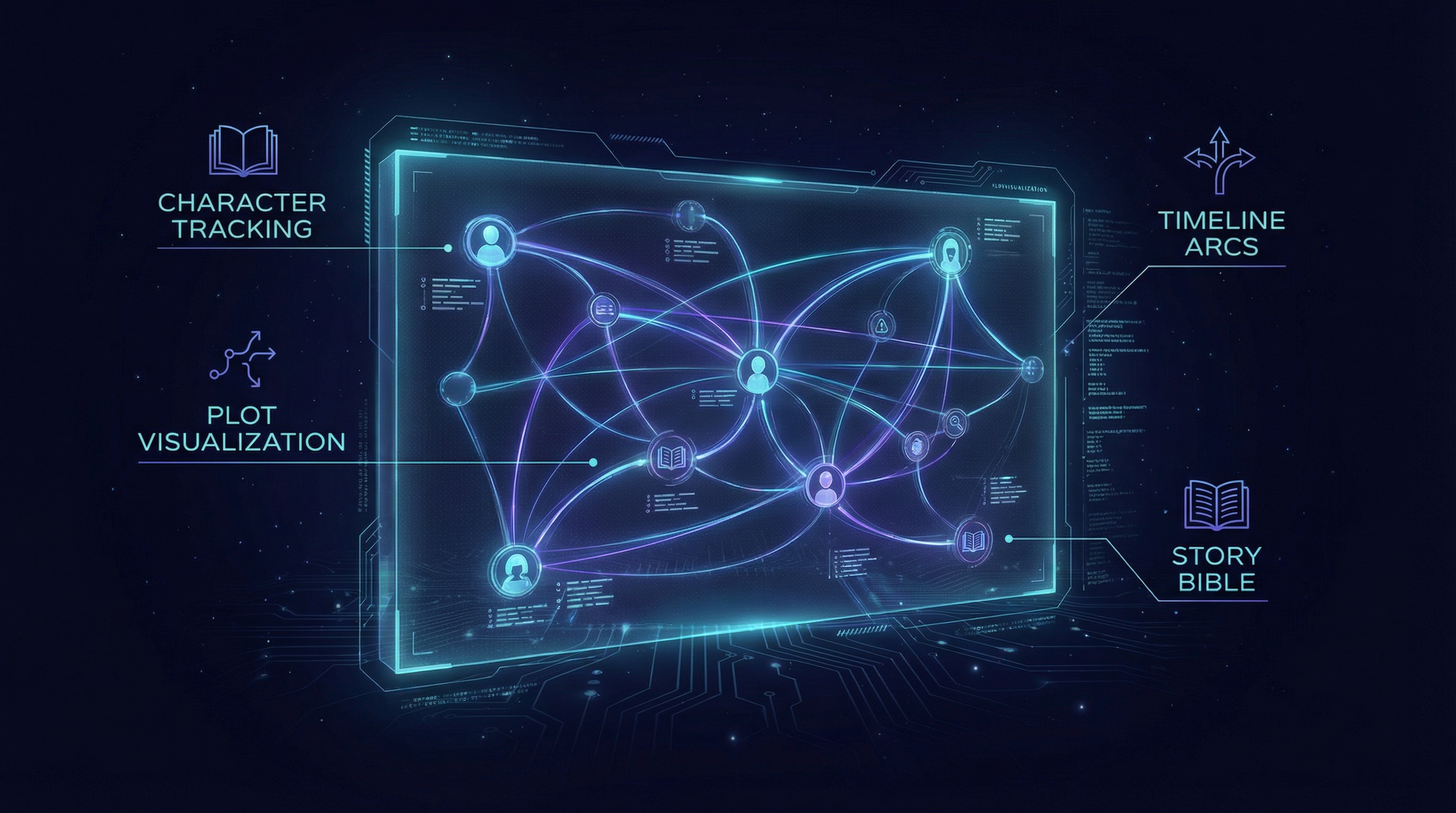
A living database of characters, locations, and items that updates as you write. AI extracts facts automatically and flags continuity errors.

Arc Visualizer

Map emotional beats and narrative values on interactive graphs. See exactly where tension flatlines and get AI recommendations to fix pacing.

Ghostwriter Mode

Expand outline beats into full prose or screenplay format. A tone slider lets you shift between Hemingway and Faulkner with one drag.

Virtual Writers Room

Chat with AI personas: The Structurist analyzes story architecture, The Dialogue Doctor fixes exposition, The Devil's Advocate challenges your plot.

Text-to-Storyboard

The AI reads your script and generates storyboard panels with proper camera placement. Regenerate any panel with lighting, angle, and style modifiers.

Multiverse Branching

Fork your story instead of undoing it. Write both endings, then have the AI visualize the ripple effects each choice creates in future chapters.

From blank page to production-ready

Each module feeds the next. Your story bible informs drafting, drafting feeds visualization, and everything exports to industry-standard formats.

The Neural Architect module
Module 1

The Neural Architect

Planning & Structure

Replace the static corkboard with an active, logic-checking database. ThinkBookAI maintains a relational Story Bible that tracks every character, location, and item in real-time — flagging continuity errors before they happen.

  • Fact Extraction — AI reads your prose and populates the Bible automatically
  • Variable State Tracking — Character status changes tracked across the timeline
  • Lore Consistency — World-building rules checked against every drafted scene
  • Arc Visualizer — Emotional beat mapping with pacing recommendations
Context-Aware Drafting module
Module 2

Context-Aware Drafting

Writing with Constraints

Unlike generic LLMs, the drafting engine is strictly bounded by your Story Bible. Every word the AI generates respects your established characters, rules, and timeline — producing prose that's consistent, not generic.

  • Ghostwriter Mode — Expand outline beats into prose or screenplay format
  • Tone Slider — Adjust output style from Hemingway to Faulkner, Noir to Screwball
  • Virtual Writers Room — AI personas critique structure, dialogue, and motivation
  • Hybrid Formatting — One-click toggle between Novel View and Script View
Studio Mode module
Module 3

Studio Mode

Visualization & Rendering

The differentiator. Studio Mode reads your text and generates audiovisual assets — storyboards, video renders, character-consistent imagery, voice casting, dynamic scoring, and Foley effects — all from your words.

  • Text-to-Storyboard — AI parses action lines to generate shot compositions
  • Director's Interface — Insert invisible camera/lighting/mood tags into your script
  • Character Lock — Consistent seed generation keeps characters looking the same
  • Audio Synthesis — Auto-casting, dynamic scoring, and Foley injection
Collaboration & Ecosystem module
Module 4

Collaboration & Ecosystem

Version Control & Export

Fork your story with Multiverse branching, visualize ripple effects across chapters, and export to every industry-standard format — from EPUB to Premiere Pro XML.

  • Multiverse Branching — Fork storylines and compare ripple effects
  • Standard Export — .docx, .pdf, .fdx (Final Draft), .epub
  • Production Export — Premiere Pro/Final Cut XML timelines
  • Subtitle Export — .srt files generated from dialogue automatically

Three steps from idea to production

1

Architect

Build your Story Bible, define characters and world rules, map your narrative arcs. The AI helps you identify structural gaps before you write a word.

2

Draft

Write with an AI that knows your story inside out. Expand beats, consult the Writers Room, and switch between Novel and Script View instantly.

3

Produce

Generate storyboards, render character-consistent visuals, add voice and scoring — then export to every format your workflow demands.

Start free. Scale when you're ready.

Every plan includes the full platform. Higher tiers unlock more AI generation capacity and Studio Mode renders.

Starter

$0 /month

For exploring the platform

  • 1 project
  • Story Bible & Arc Visualizer
  • 50 AI drafting requests/mo
  • Basic export (PDF, DOCX)
  • Community support
Get Started Free

Studio

$79 /month

For teams & production houses

  • Everything in Pro
  • Unlimited Studio renders
  • Audio Synthesis (voice + score + Foley)
  • Premiere/FCP XML export
  • Multiverse branching
  • Team collaboration (up to 10)
  • Dedicated support
Join Waitlist

Common questions

How is ThinkBookAI different from using ChatGPT for writing?

Generic LLMs have no memory of your story. ThinkBookAI maintains a persistent Story Bible, character states, and world rules — so every AI suggestion is contextually accurate to your specific narrative. It's the difference between a writing partner who's read your entire manuscript and one who's starting from scratch every time.

Can I use it for screenplays, not just novels?

ThinkBookAI is format-agnostic. You write in a "Master Format" and toggle between Novel View (prose with internal monologue) and Script View (properly formatted character cues, scene headings, and action lines) with one click. You can also export to .fdx (Final Draft) directly.

What is Studio Mode exactly?

Studio Mode reads your text and generates audiovisual assets: storyboard panels with camera placement, video renders in multiple styles (animatic, pre-vis, photoreal), voice profiles for characters, dynamic background music, and automatic sound effects. It turns your screenplay into a visual preview.

Does the AI own what I write?

No. You retain full ownership of all content you create on ThinkBookAI. Your stories, scripts, and generated assets are yours. We do not use your content to train models.

When will ThinkBookAI be available?

We're currently in early access. Join the waitlist to get notified when we open the next batch of invites. Early access members will receive special founding-member pricing.

Ready to build your narrative?

Join the waitlist for early access. Founding members lock in special pricing for life.

No spam. We'll only email when it's your turn.